
Reports and exports
Find every report from the Export Center — jobs-by-customer, labour warnings, instructions and more.
Who this is for: Managers and office staff who need data out of the system.
Finding reports
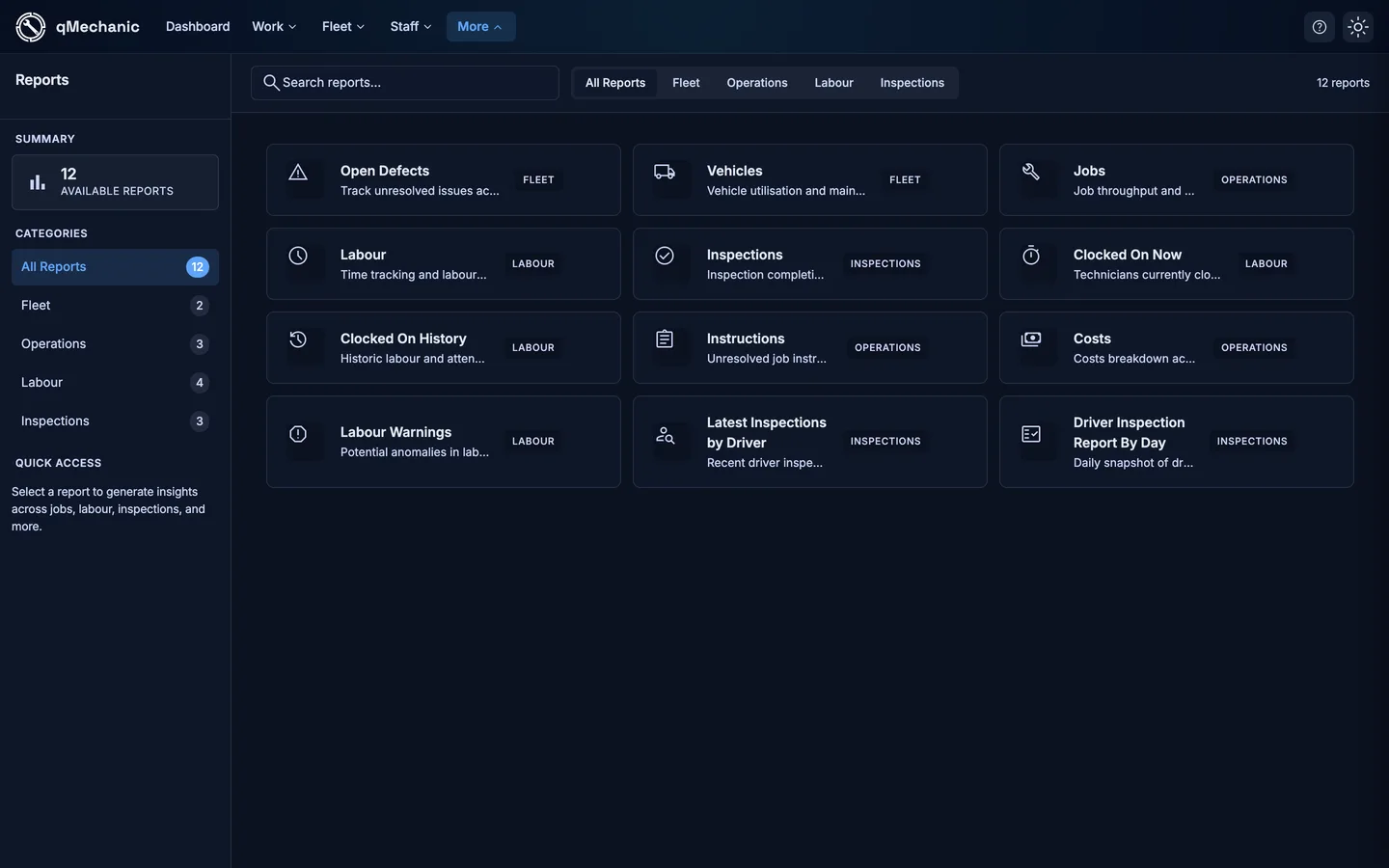
- Go to Reports — this is the Export Center, the single place for every report.
- Download datasets as CSV, or open a specialised/live report from the list.
Useful reports
- Jobs by customer — jobs grouped by the customer that owns each vehicle, with a customer filter and CSV export.
- Labour warnings — shifts that fall outside expected hours (for example over 16 hours).
- Instructions — unresolved job-card instructions across the fleet (closed jobs are excluded).
- Costs, Clocked-on now/history, and driver-inspection reports.