
People and suppliers
Add team members, change roles, reset passwords, and manage supplier records.
Who this is for: Admins who manage staff and supplier accounts.
Add a person
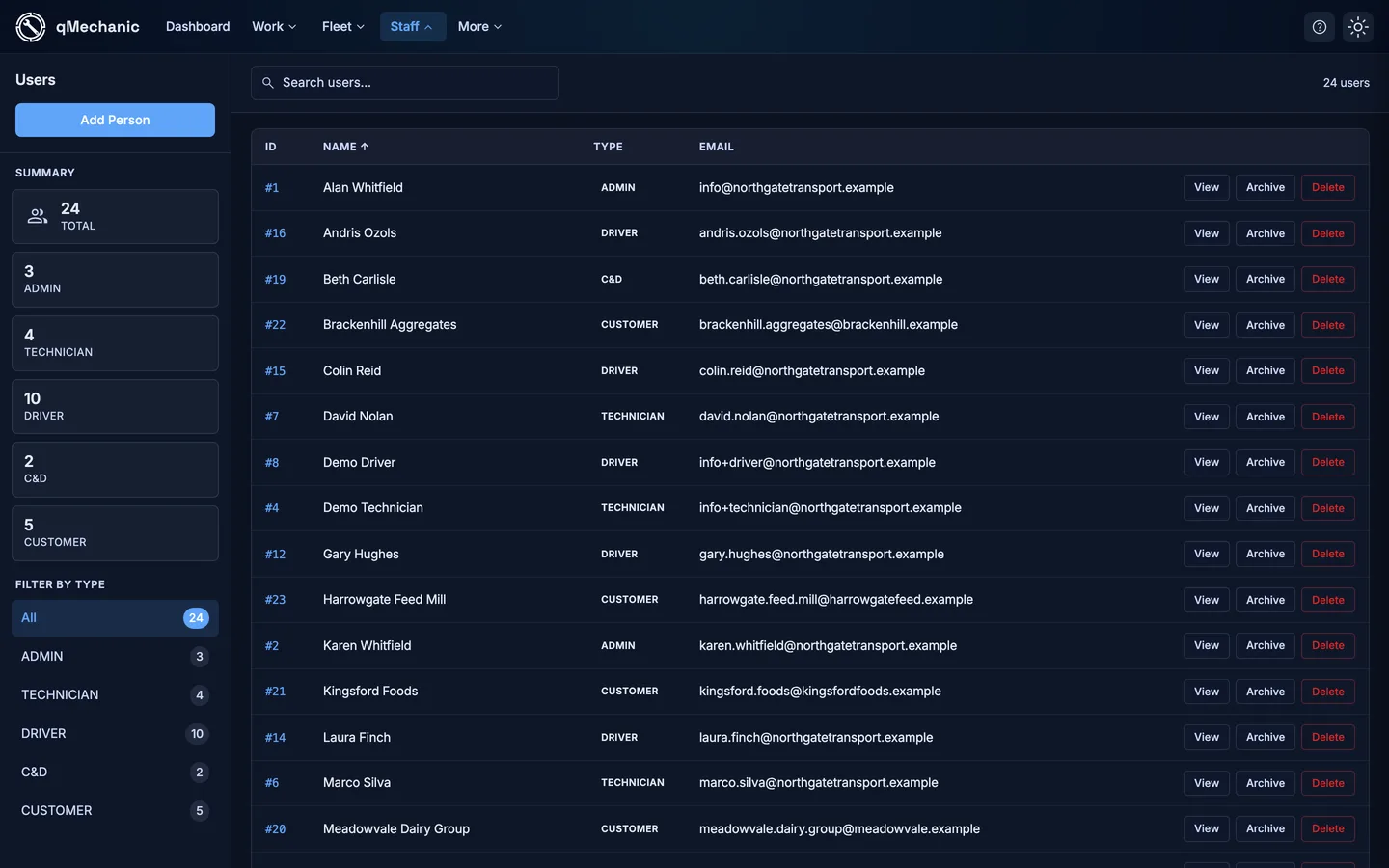
- Go to People → Users → “Add user”.
- Enter their name, email, role/type and a password.
- Save. They can now sign in (mobile or admin, depending on their role).
Change a role or reset a password
- Open the person from People → Users and select “Edit details”.
- Change the Role, or type a new password in “Reset password”.
- Leave the password blank to keep the current one. Save.
Suppliers
- Go to People → Suppliers and select a supplier’s “View”.
- See their details plus a grid of the parts they supply and stock stats.
- Use “Edit” to change name, email, phone, address, ref no and account no.