Parts and the invoice parser
Manage your parts inventory and reconcile supplier invoices into stock and jobs.
Who this is for: Parts / stores staff.
Parts inventory
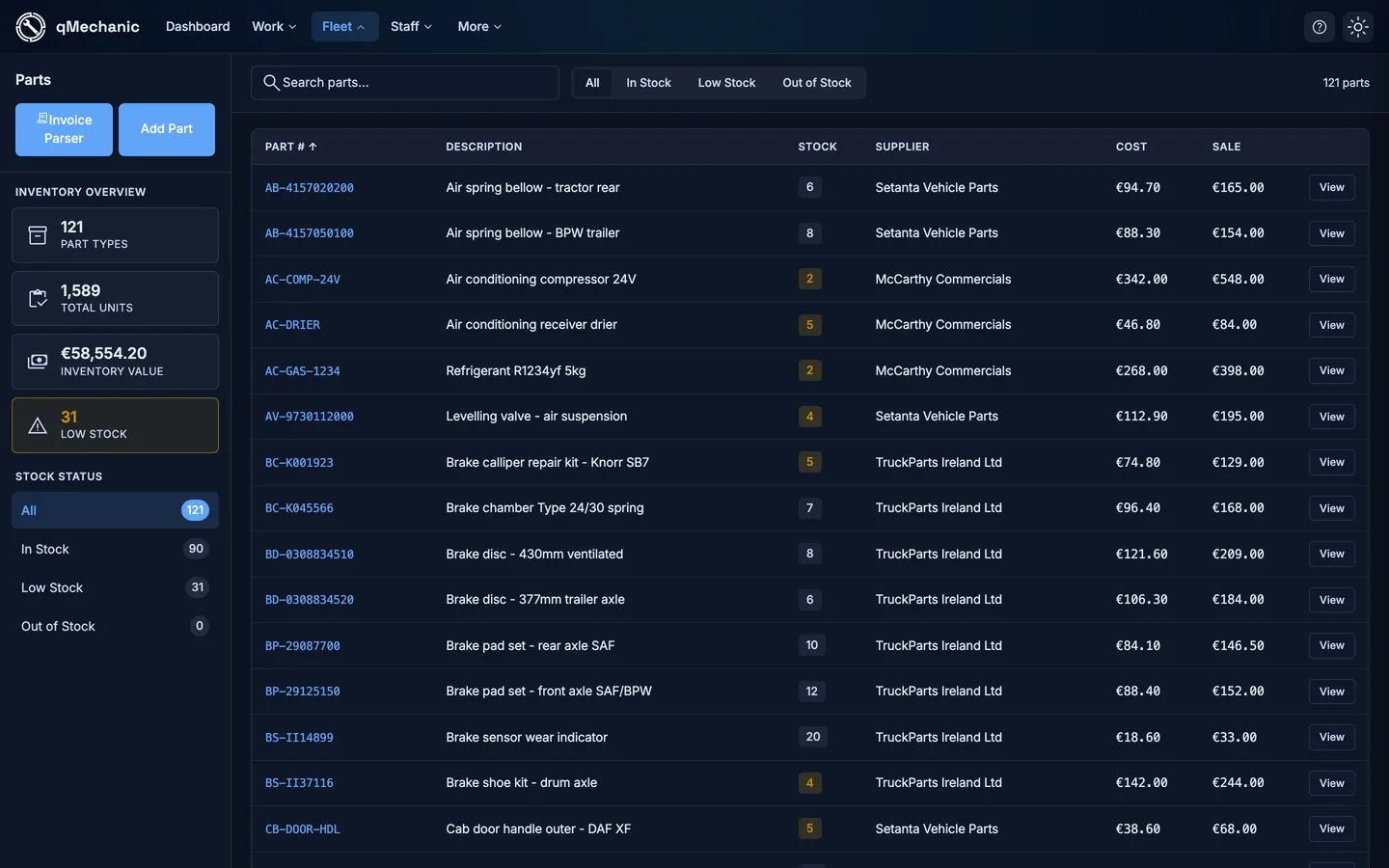
- Go to Parts to see your catalogue with stock levels.
- Use the search box to filter by part number or description.
Reconcile a supplier invoice
The invoice parser reads a supplier invoice and helps you turn each line into stock and job costs.
- Go to Parts → Invoice parser and upload the invoice (PDF or image), then Parse.
- Review each line. Choose an action per line: Update stock (match an existing part), Create part (make a new one from the line), or Skip.
- Edit any line’s description, part number, supplier, quantity or unit price before posting.
- Optionally assign a line to a job (with a status filter and partial quantity).
- If the invoice number has been seen before, a duplicate-invoice warning appears at the top.
- Select “Process” to post everything. The summary reports how many parts were created, updated, assigned or skipped.
TipNothing is silently dropped — every line has an explicit action, and the result summary tells you exactly what happened.